| MATFOR Widget Component |
|
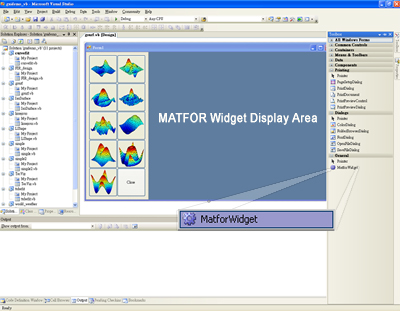
MATFOR Widget is a special widget component created to make ease of MATFOR development available under different integrated development environments. Users may embed the MATFOR widget component into compilers and create a control on the design surface. The figure below demonstrates a programming instance in MicrosoftR Visual Studio 2005. MATFOR Widget has been placed at the bottom of the Toolbox list. |
| 
|
| MATFOR GUI System |
|
MATFOR GUI System facilitates application-building to enhance interface friendliness. It allows users to create an interface of their preference with MATFOR GUI Builder; one can easily embed the MATFOR widget component into the common UI design environment such as WIN32, BCB, MFC and QT. With the help of GUI Builder, the interface can be customized and saved into a MFUI file based on XML format. MATFOR GUI System then integrates the MFUI file with MATFOR libraries to generate an application. Such application can be executed in common C++ compilers(Intel C++, Visual C++)and Fortran compilers under both LINUX and Windows operating systems. This is one innovation that makes MATFOR different to other applications. |
|
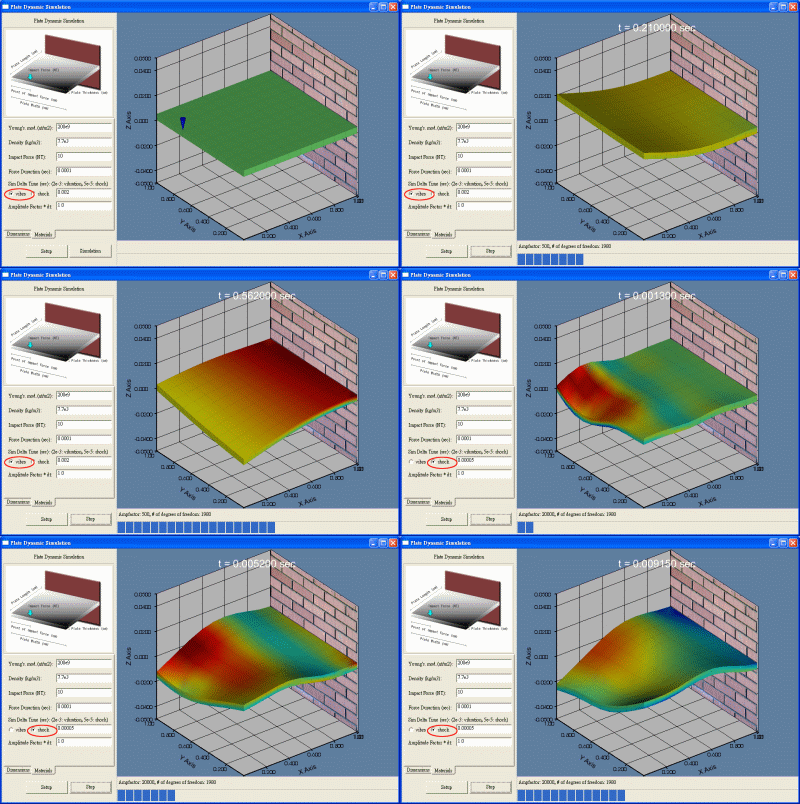
Application for dynamic plate simulation built using MATFOR GUI System
|
| Fast Fourier Transmform |
|
- Compute one/two-dimensional forward/inverse Discrete Fourier Transform (DFT).
- Shift zero frequency components of forward/inverse DFT to the center of the matrix.
|
|
Application:
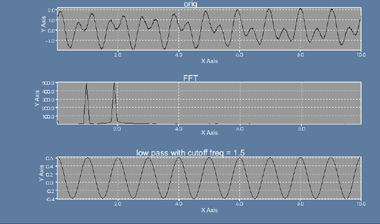
Representations of time domain and frequency domain analysis
|
| Cartographic Functions |
|
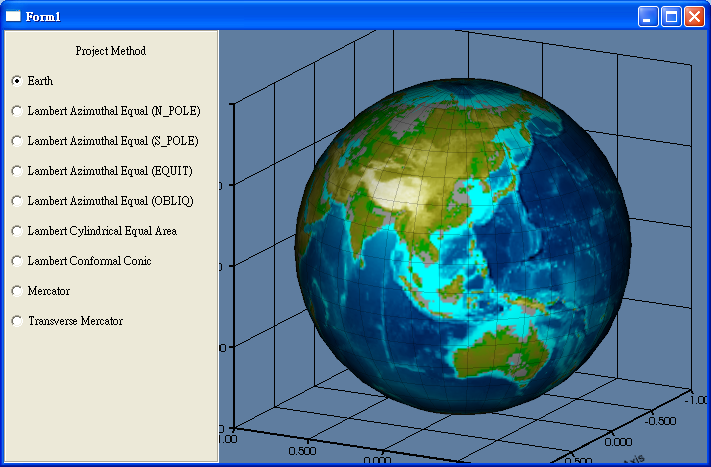
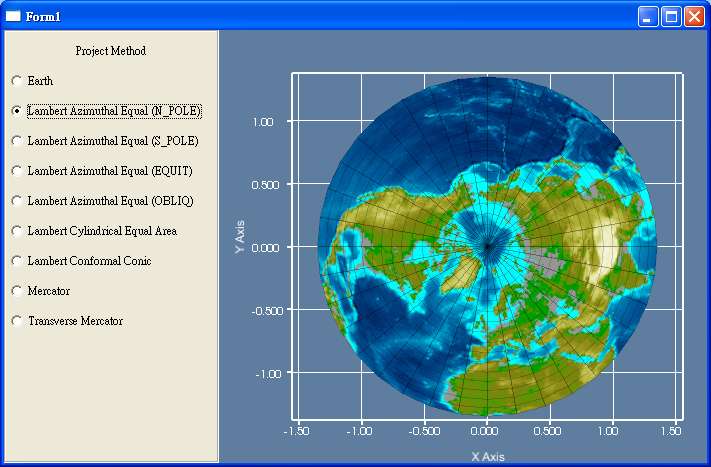
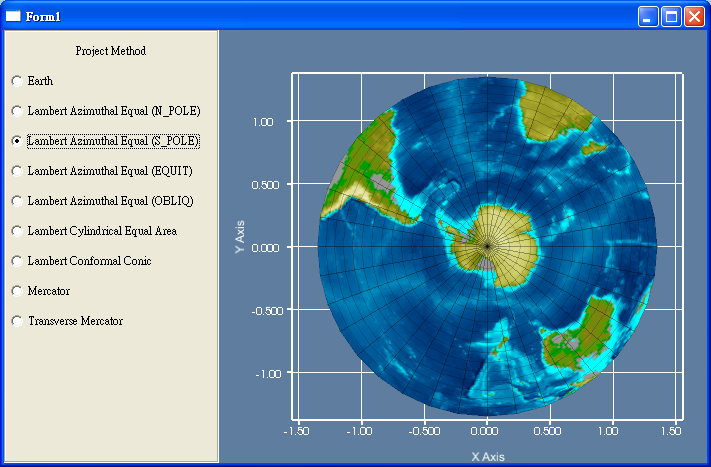
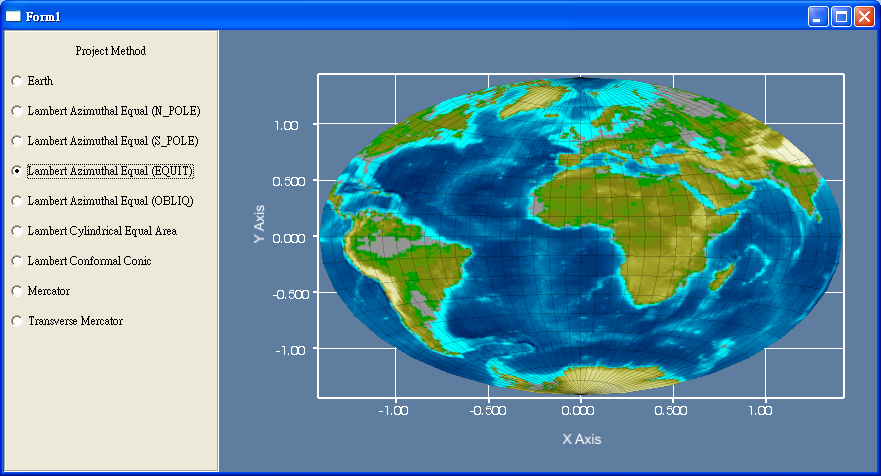
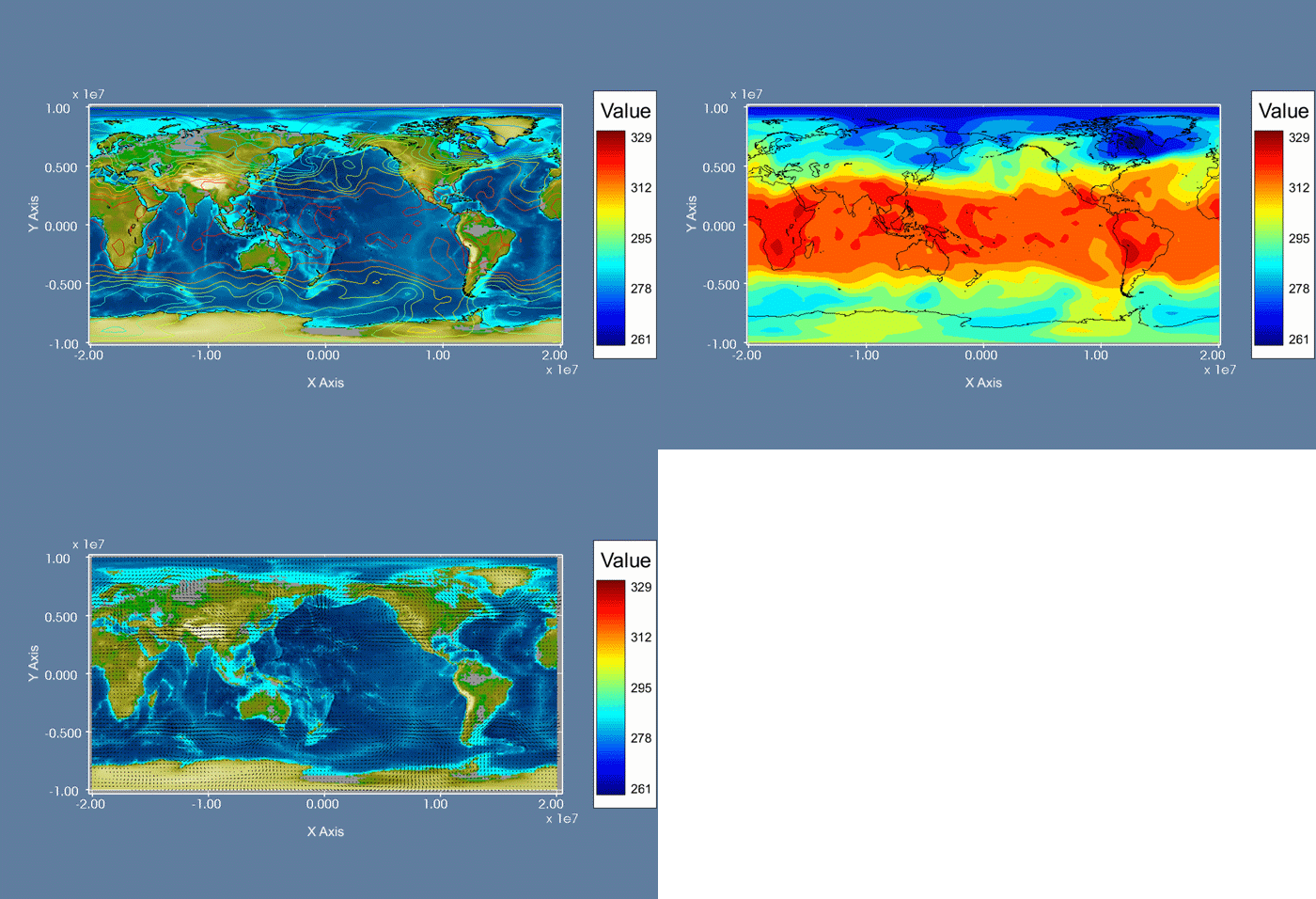
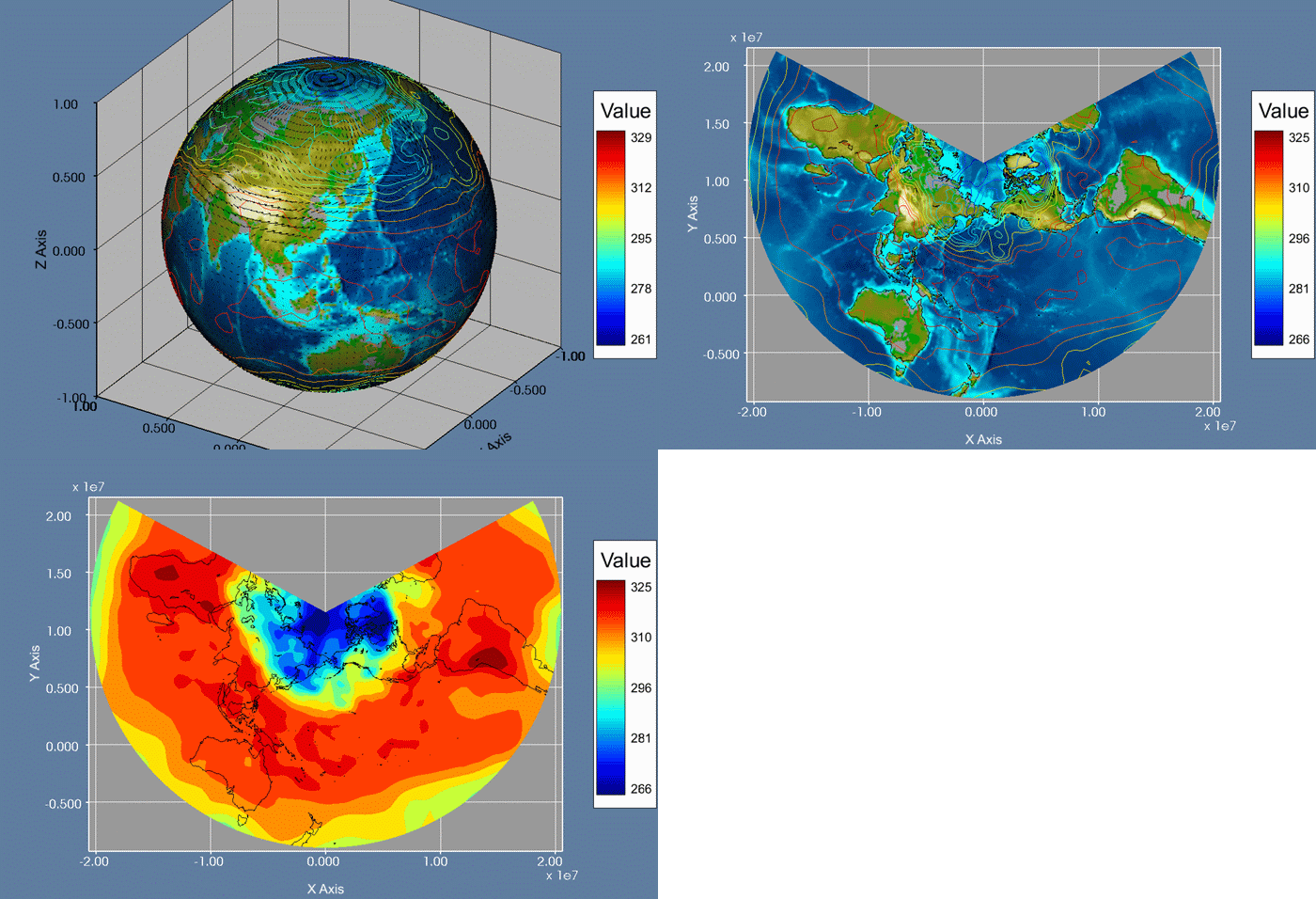
- Cartographic projection and its inverse operation
- 2-D/3-D geoid data
- 2-D/3-D coastline data
|
|
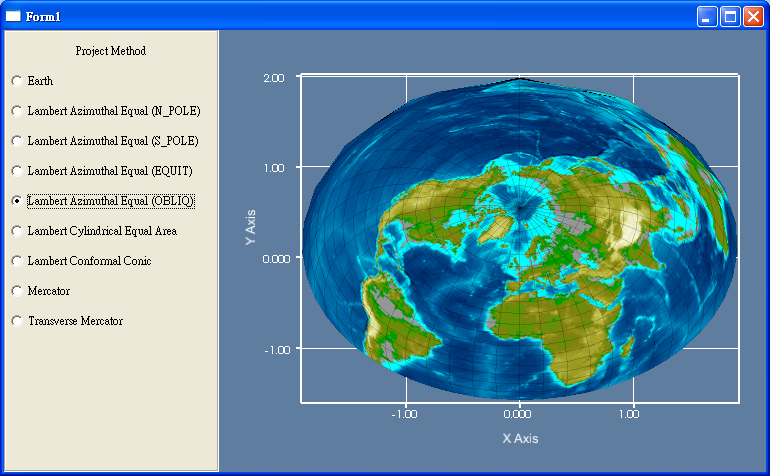
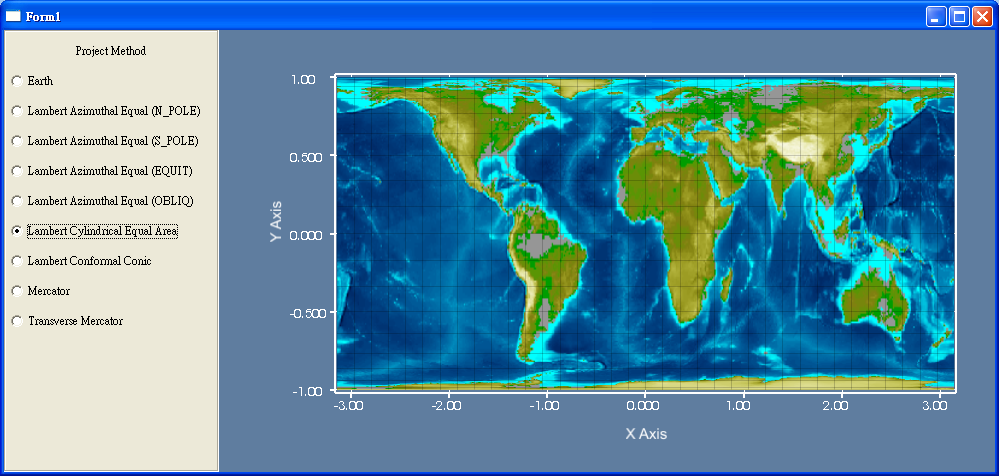
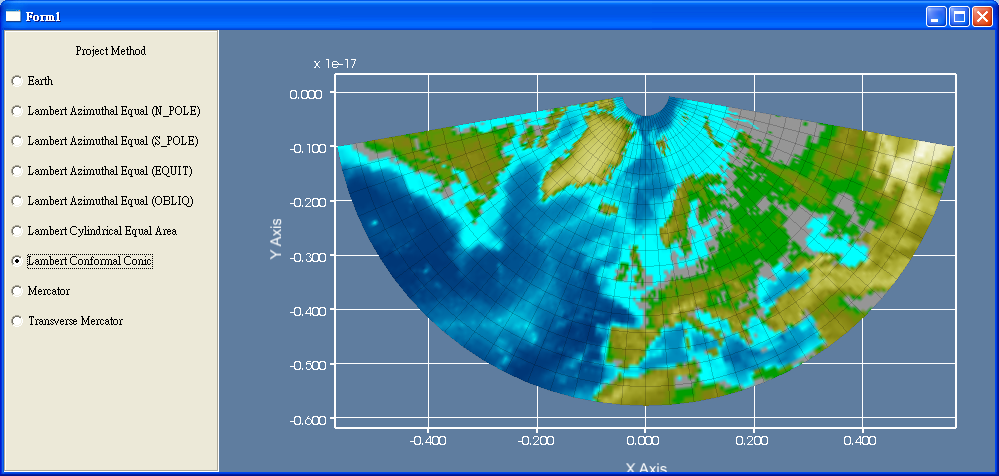
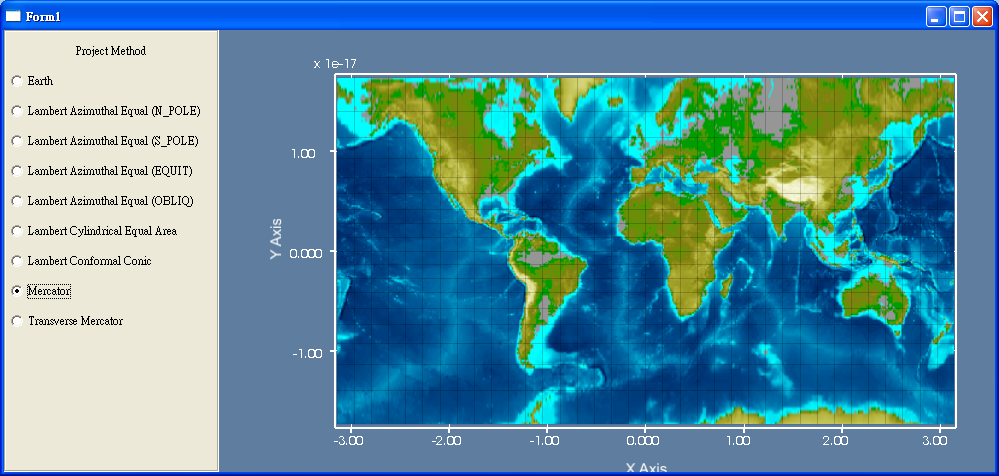
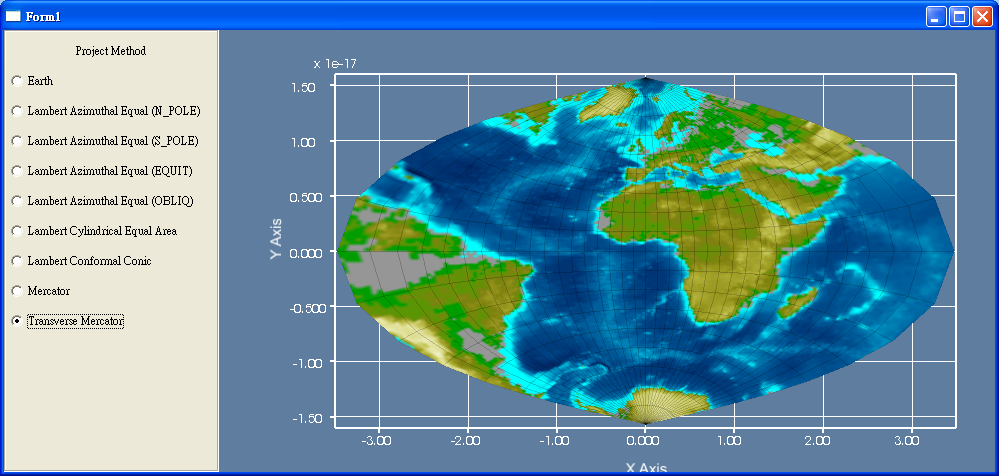
Selection of Projection:
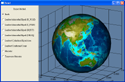
Earth |
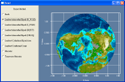
Lambert Azimuthal Equal
(N_POLE) |
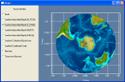
Lambert Azimuthal Equal
(S_POLE) |
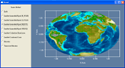
Lambert Azimuthal Equal
(EQUIT) |
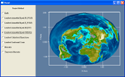
Lambert Azimuthal Equal
(OBLIQ) |
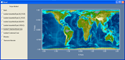
Lambert Cylindrical Equal Area |
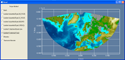
Lambert Conformal Conic |
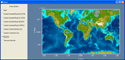
Mercator |
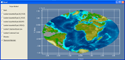
Transverse Mercator |
|
|
Applications:
|
| More Supported Data File Formats |
|
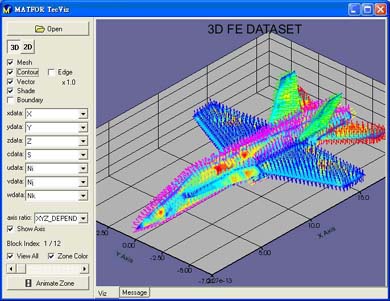
MATFOR 4 supports standard scientific formulas and common software data formats such as Ascii and CSV to facilitate users in data exchange and data reuse. Besides, import and export of Tecplot data can now be done by MATFOR as well. Additionally, MATFOR 4 supports the common 3-D object formats including 3DS, OBJ and STL.
|
|
Application:
3D Finite Elemenet dataset presented with MATFOR 4 by reading in TecplotR data |