#import <ARViewPort.h>
ARViewPort represents a viewport into the scene. It can be used for cropping the rendered image or for zoom.
| - (instancetype) initWithOffsetX: |
|
(float) |
x |
| y: |
|
(float) |
y |
| height: |
|
(float) |
height |
| width: |
|
(float) |
width |
|
|
| |
Initialises an instance of an ARViewPort with the given X and Y offset values and the given height and width values.
Example of use:
- Parameters
-
| x | Bottom left x coordinate. |
| y | Bottom left y coordinate. |
| height | Viewport height. |
| width | Viewport width. |
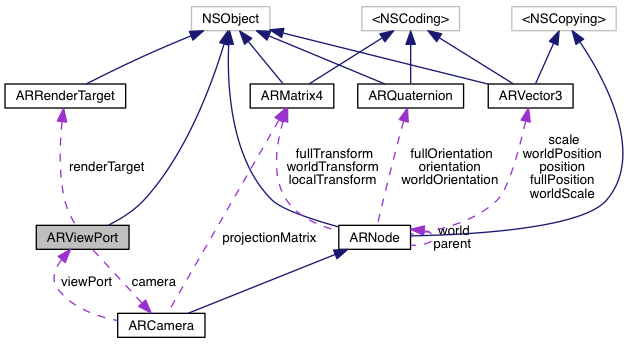
The ARViewPorts camera. This acts as the root of the viewports scene graph.
The width of the viewport in pixels, including any that extend beyond edge of the screen.
The offset of the viewport in the X direction. This can be negative to crop horizontally.
The offset of the viewport in the Y direction. This can be negative to crop vertically.
The width of the viewport in pixels, including any that extend beyond edge of the screen.
When there are multiple viewports added to a render target, this value determines the order. Lower values get rendered first. Negative integers are OK.
The documentation for this class was generated from the following file:

 Inheritance diagram for ARViewPort:
 1.8.11