
API Hub は 2025 年 11 月に Swagger に名称が変更されました。
これに伴い、各コンポーネントの名称も以下の通り変更されました。
・API Hub for Design → Swagger Studio
・API Hub for Contract Testing → Swagger Contract Testing
・API Hub for Portal → Swagger Portal
・API Hub for Explore → Swagger Explore
・API Hub for Test → Swagger Functional Testing
この記事では、Swagger Contract Testing を使って、コントラクト (契約) テストを開発ワークフローに統合して、デザイン ファーストの API 開発を実現する方法を全 3 パートのシリーズとして紹介します。
パート 1 では、プロバイダー (API 提供者) 側の操作について説明しました。パート 2 となる本記事では、コンシューマー (API 利用者) 側の操作について説明します。
本記事では、パート 1 で作成して公開した API を使用してコンシューマー側の操作を説明します。パート 1 をまだお読みになっていない場合は、先にパート 1 をご覧になることを推奨します。
example-consumer プロジェクトのセットアップとトリガー
- example-consumer プロジェクトを自分の GitHub アカウントにフォークします (右上の [Fork] ボタンをクリックします)。
- フォークした
example-consumerプロジェクトを開きます (https://github.com/<ユーザー名>/example-consumer)。 - Swagger Contract Testing の API トークンを保存する GitHub Secret を作成します。
- Swagger Contract Testing で以下の操作を行います。
- Swagger Contract Testing アカウント (
https://<サブドメイン>.pactflow.io) にログインし、[Settings] > [API Tokens] に移動します。ドキュメントはこちらを参照してください。 - 読み書き可能な CI トークンの [Copy] ボタンをクリックします (読み取り専用ではなく、読み書き可能なトークンであることを確認してください)。
- Swagger Contract Testing アカウント (
- Github で以下の操作を行います。
- フォークした
example-consumerプロジェクトを開きます (https://github.com/<ユーザー名>/example-consumer)。 - [Settings] タブをクリックします。
- サイドメニューから [Secrets] を選択します。
- [New repository secret] ([Actions secrets] 見出しの右側のボタン) をクリックします。
- シークレットの名前を
PACTFLOW_TOKEN_FOR_CI_CD_WORKSHOPに設定します。 - 前の手順でコピーした Swagger Contract Testing の API トークンの値をペーストします。
- [Actions] タブをクリックします。
- [I understand my workflows, go ahead and enable them] ボタンをクリックします。
.github/workflows/Build.ymlを開きます。- ファイル ビューの右上にある 🖊️ をクリックして、ファイル エディターを開きます。
PACT_BROKER_BASE_URLの値を、Swagger Contract Testing アカウントのベース URL に更新します。ベース URL は、Swagger Contract Testing の [API Tokens] ページにある [COPY PACTFLOW BASE URL] ボタンをクリックして取得できます。- 緑色の [Commit changes] ボタンをクリックします。
- フォークした
- Swagger Contract Testing で以下の操作を行います。
ビルド
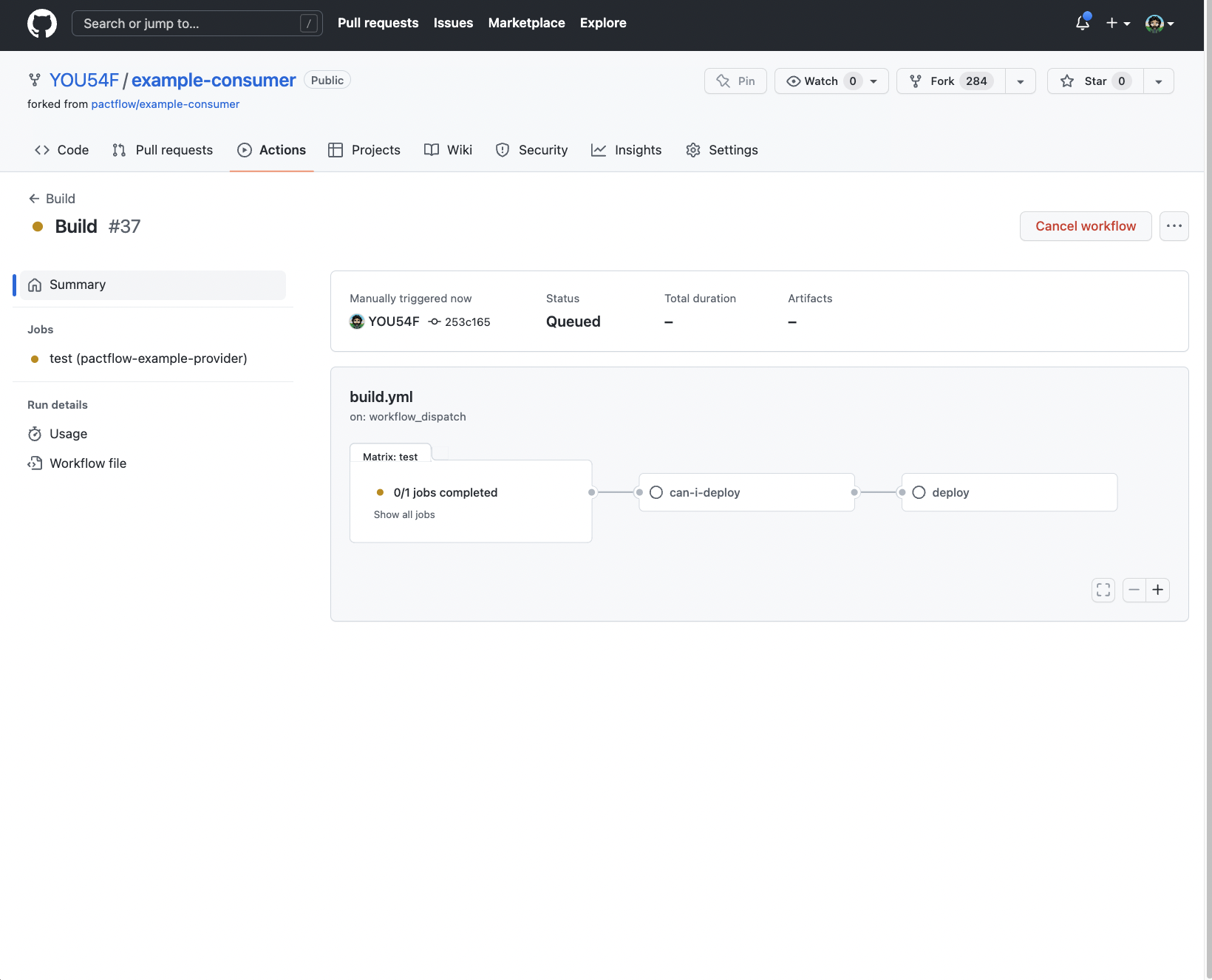
コンシューマーのビルドがトリガーされます。
Pact コントラクト テスト
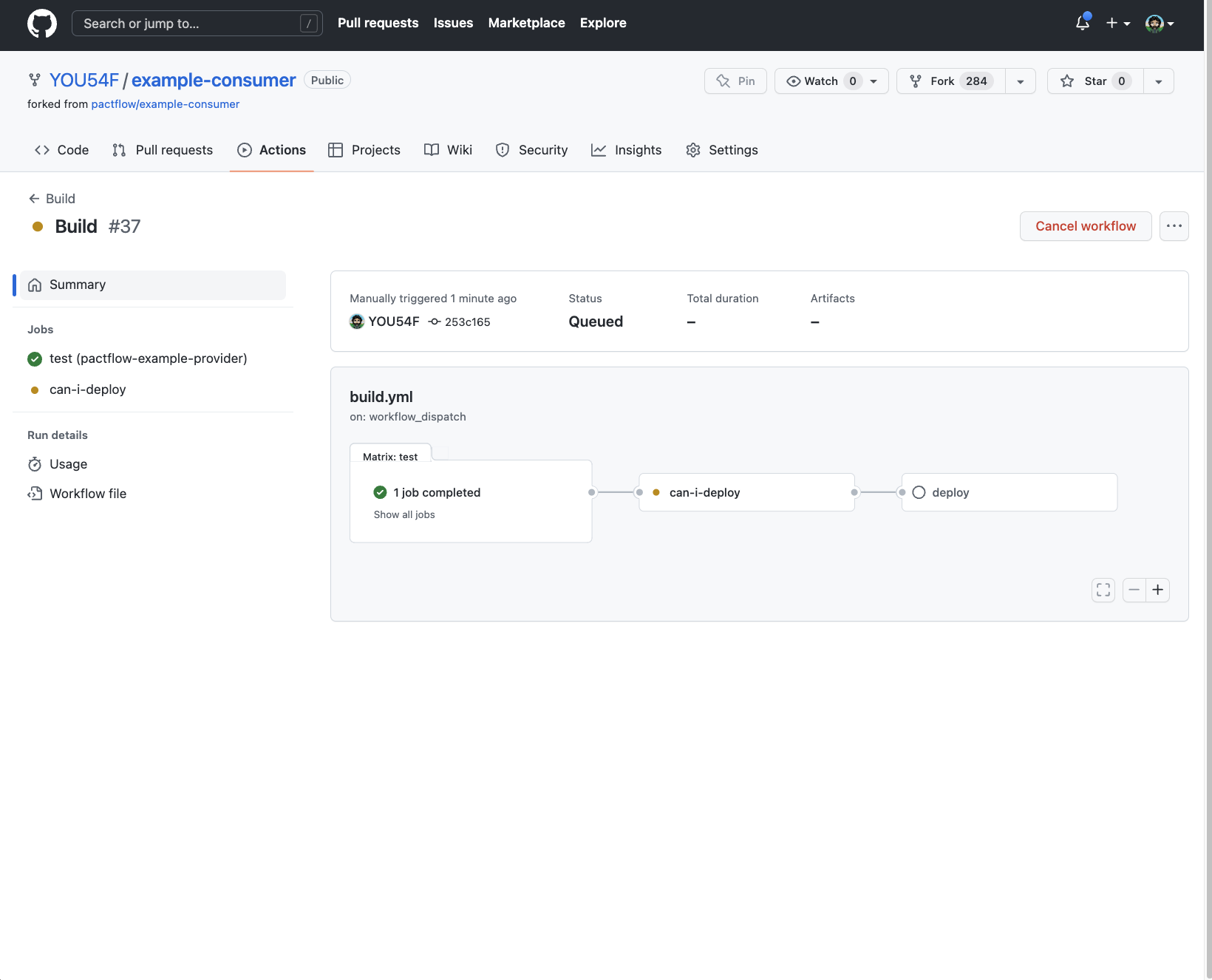
コンシューマー ユニット テストにパスするはずです。
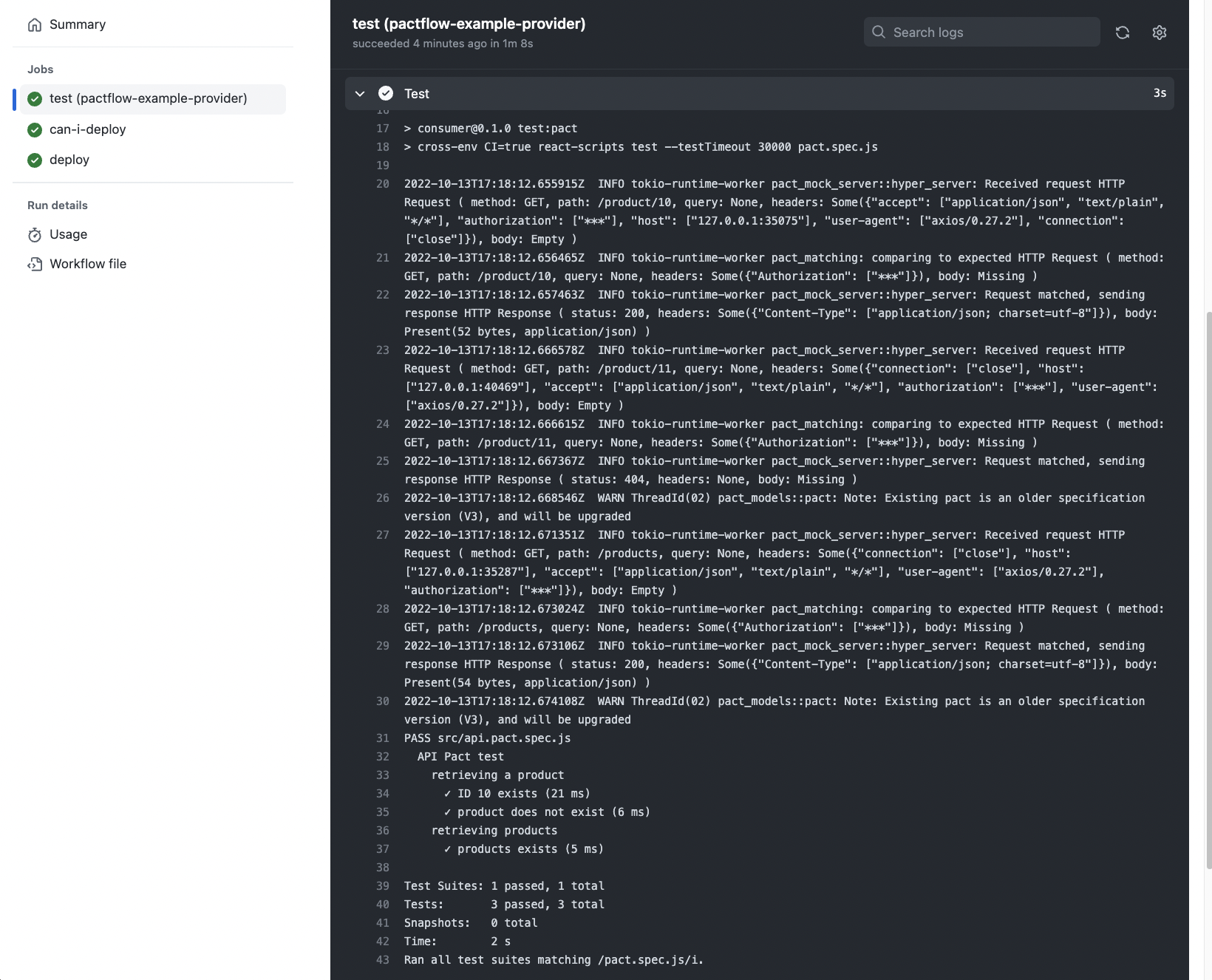
ビルド ジョブをクリックすると、出力を確認できます。
Pact コントラクト ファイルのアップロード
Pact ファイルは Swagger Contract Testing Broker にアップロードされます。
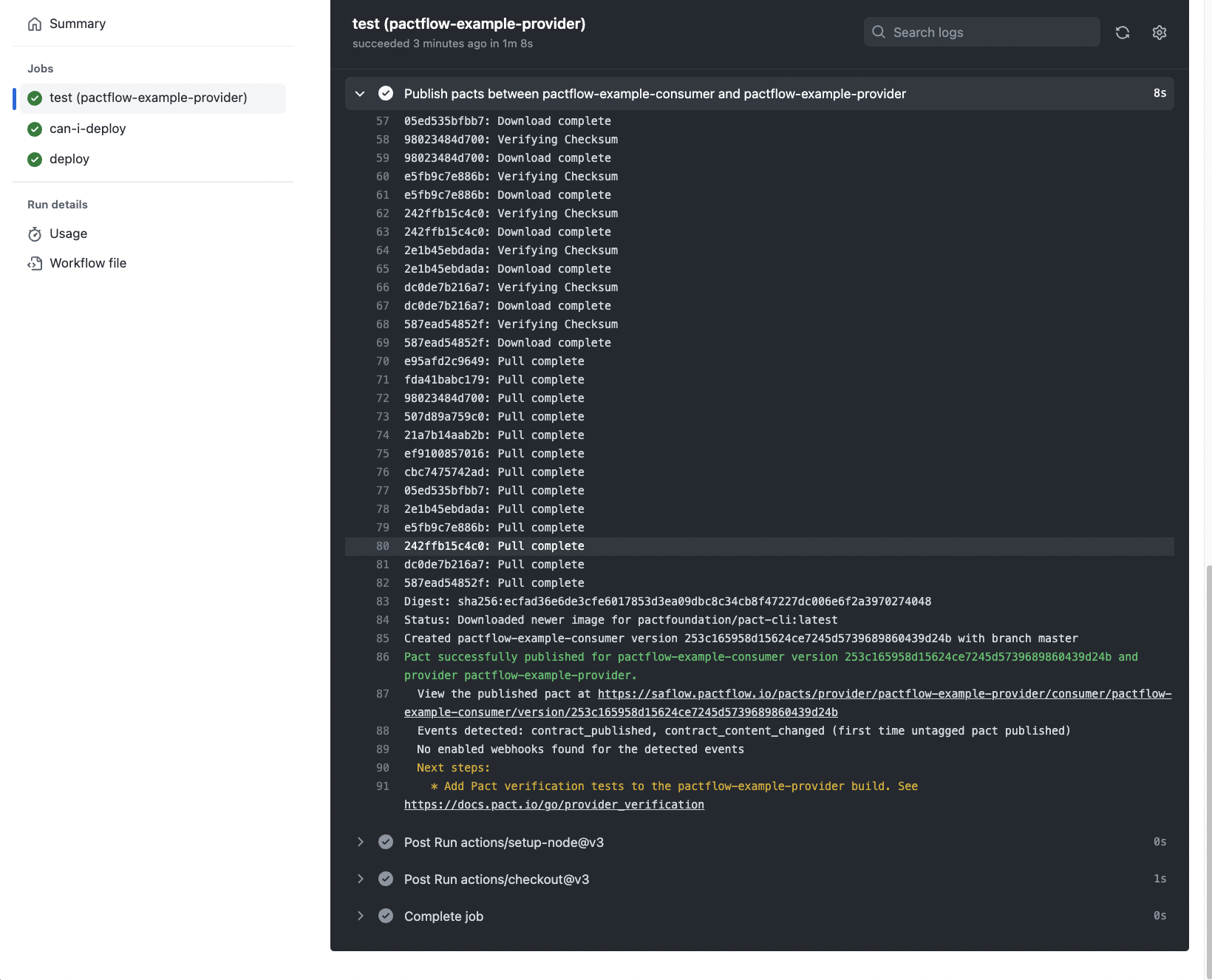
Pact successfully published for pactflow-example-consumer version 253c165958d15624ce7245d5739689860439d24b and provider pactflow-example-provider.
  View the published pact at https://saflow.pactflow.io/pacts/provider/pactflow-example-provider/consumer/pactflow-example-consumer/version/253c165958d15624ce7245d5739689860439d24b
  Events detected: contract_published, contract_content_changed (first time untagged pact published)
  No enabled webhooks found for the detected events
  Next steps:
    * Add Pact verification tests to the pactflow-example-provider build. See https://docs.pact.io/go/provider_verification
コンシューマーの can-i-deploy チェック
デプロイする前に can-i-deploy コマンドを呼び出します。コンシューマー コントラクトは OpenAPI 定義の有効なサブセットであるため、パスするはずです。
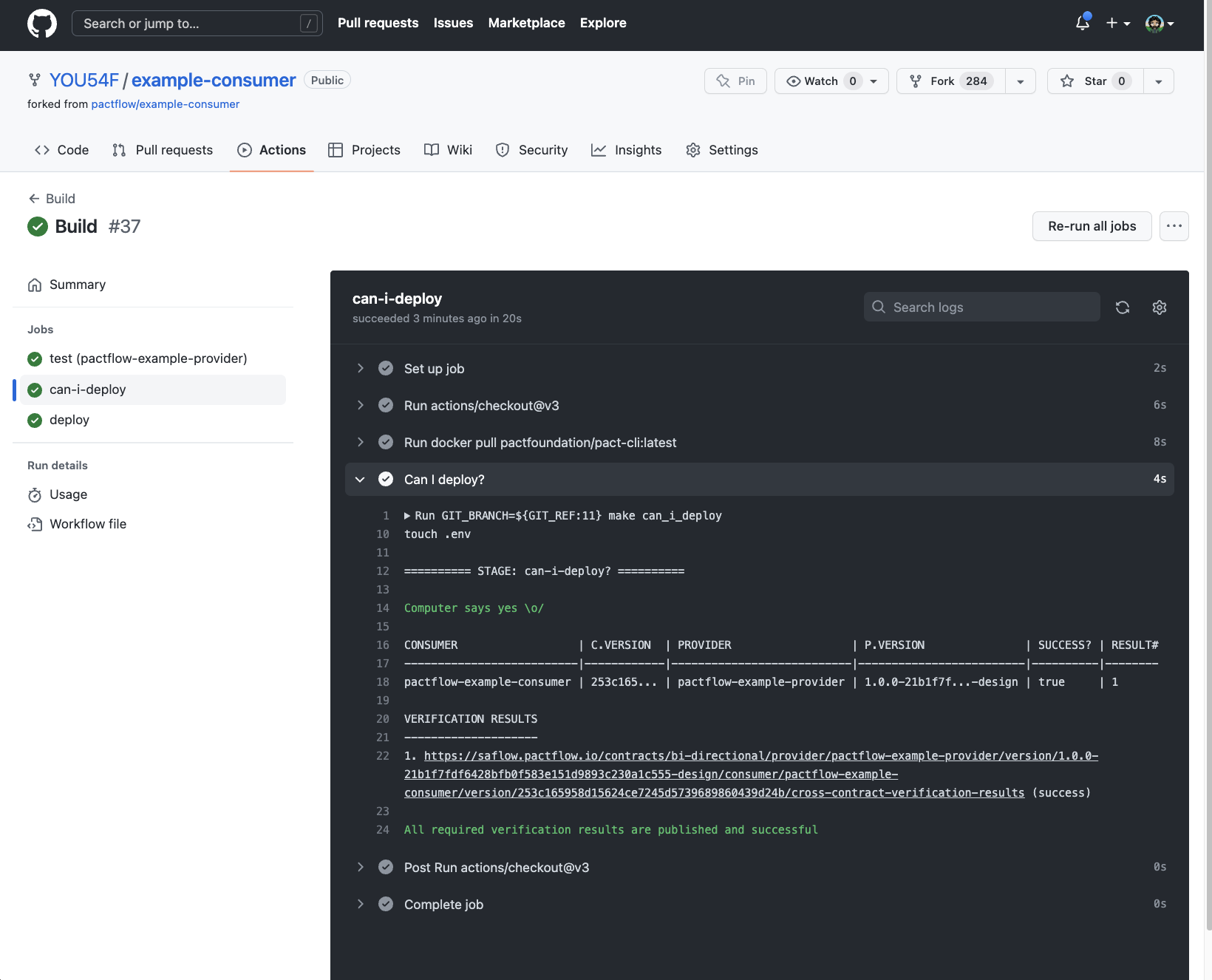
========== STAGE: can-i-deploy? ==========

Computer says yes \o/

CONSUMER                  | C.VERSION  | PROVIDER                  | P.VERSION               | SUCCESS? | RESULT#
--------------------------|------------|---------------------------|-------------------------|----------|--------
pactflow-example-consumer | 253c165... | pactflow-example-provider | 1.0.0-21b1f7f...-design | true     | 1

VERIFICATION RESULTS
--------------------
1. https://saflow.pactflow.io/contracts/bi-directional/provider/pactflow-example-provider/version/1.0.0-21b1f7fdf6428bfb0f583e151d9893c230a1c555-design/consumer/pactflow-example-consumer/version/253c165958d15624ce7245d5739689860439d24b/cross-contract-verification-results (success)

All required verification results are published and successful
コンシューマー レコードのデプロイ
can-i-deploy にパスしたら、コンシューマーをデプロイできます。デプロイが完了すると、コンシューマーのアプリケーション バージョンは本番環境にデプロイ済みとして記録されます。
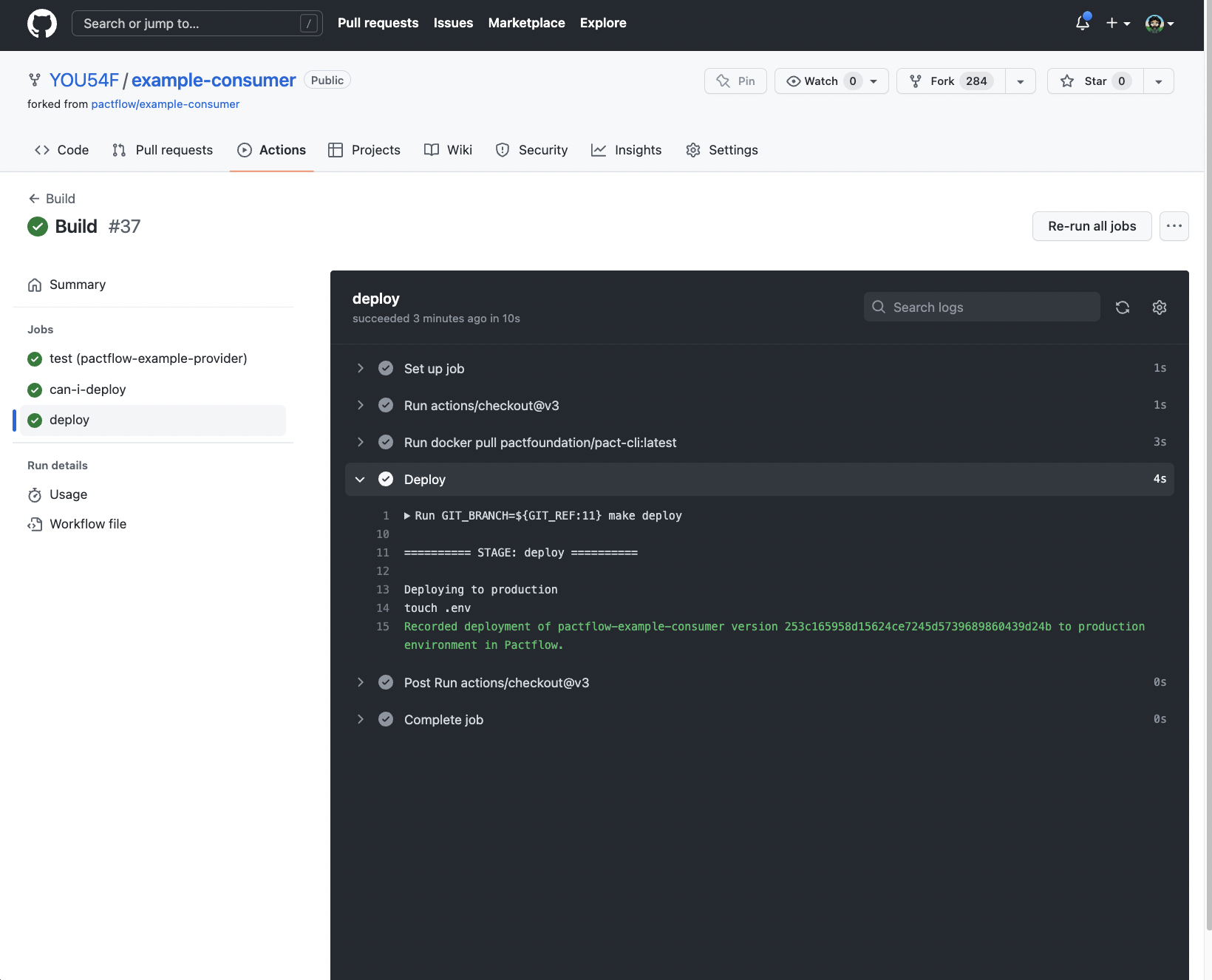
========== STAGE: deploy ==========

Deploying to production
touch .env
Recorded deployment of pactflow-example-consumer version 253c165958d15624ce7245d5739689860439d24b to production environment in API Hub for Contract Testing.
これまでの手順で、コンシューマーとプロバイダーの両方のビルドがパスしているはずです。
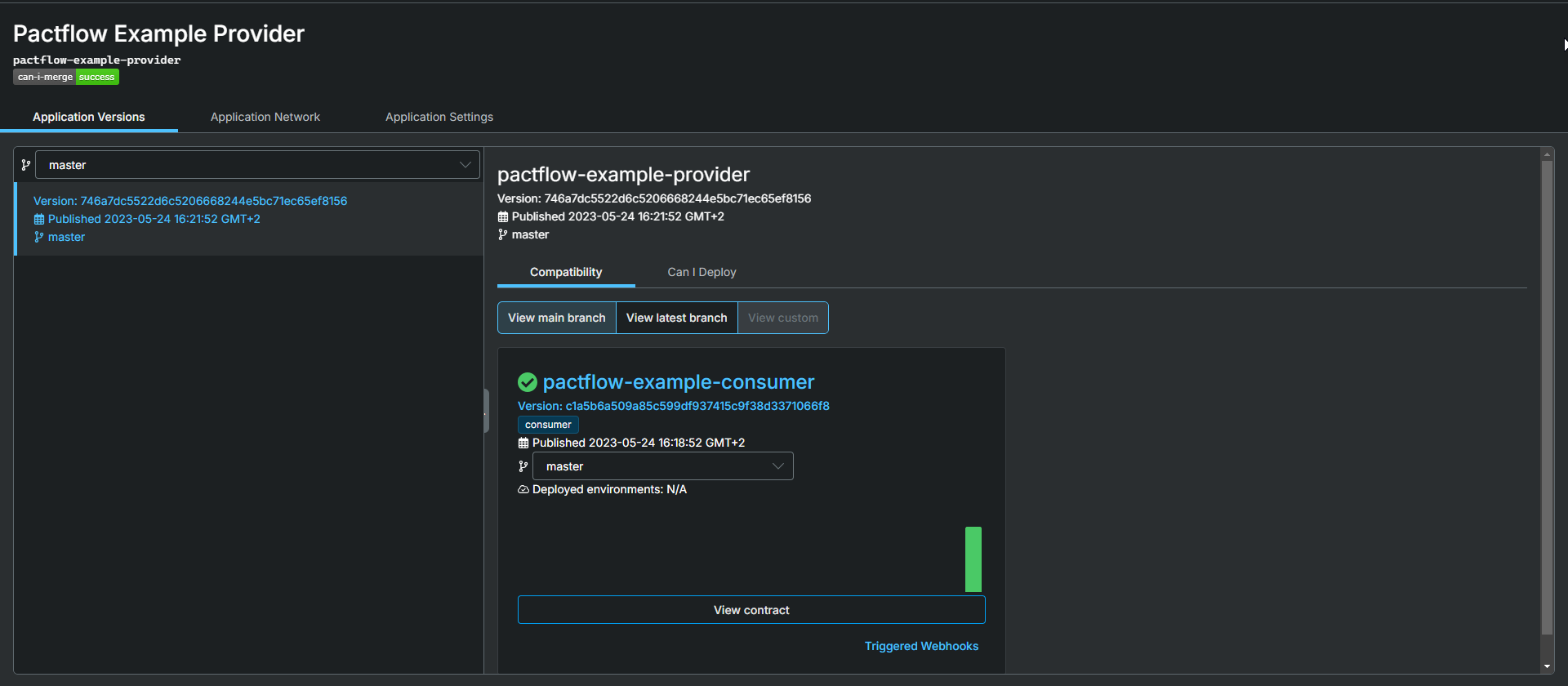
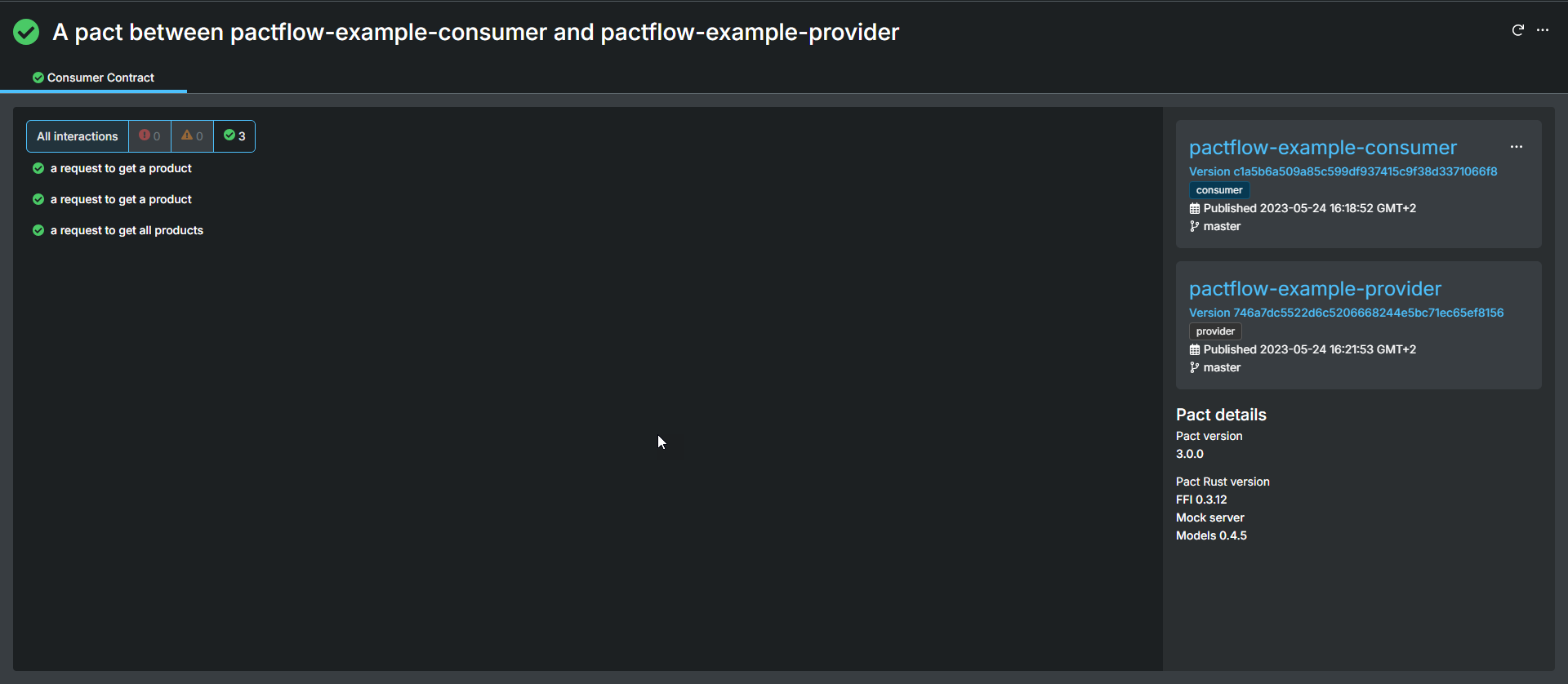
パート 2 では、コンシューマー (API 利用者) 側の操作について説明しました。
パート 3 では、互換性を損なう API 変更の例について説明します。
この資料は、SmartBear の Web サイトで公開されている Swagger Contract Testing University ドキュメントの「Design First With Swagger Studio」にある「Quick Start Guide with Github Actions」を参考に作成しました。